![marq.svg]](https://help.marq.com/hubfs/Brand%20Logos/marq.svg)
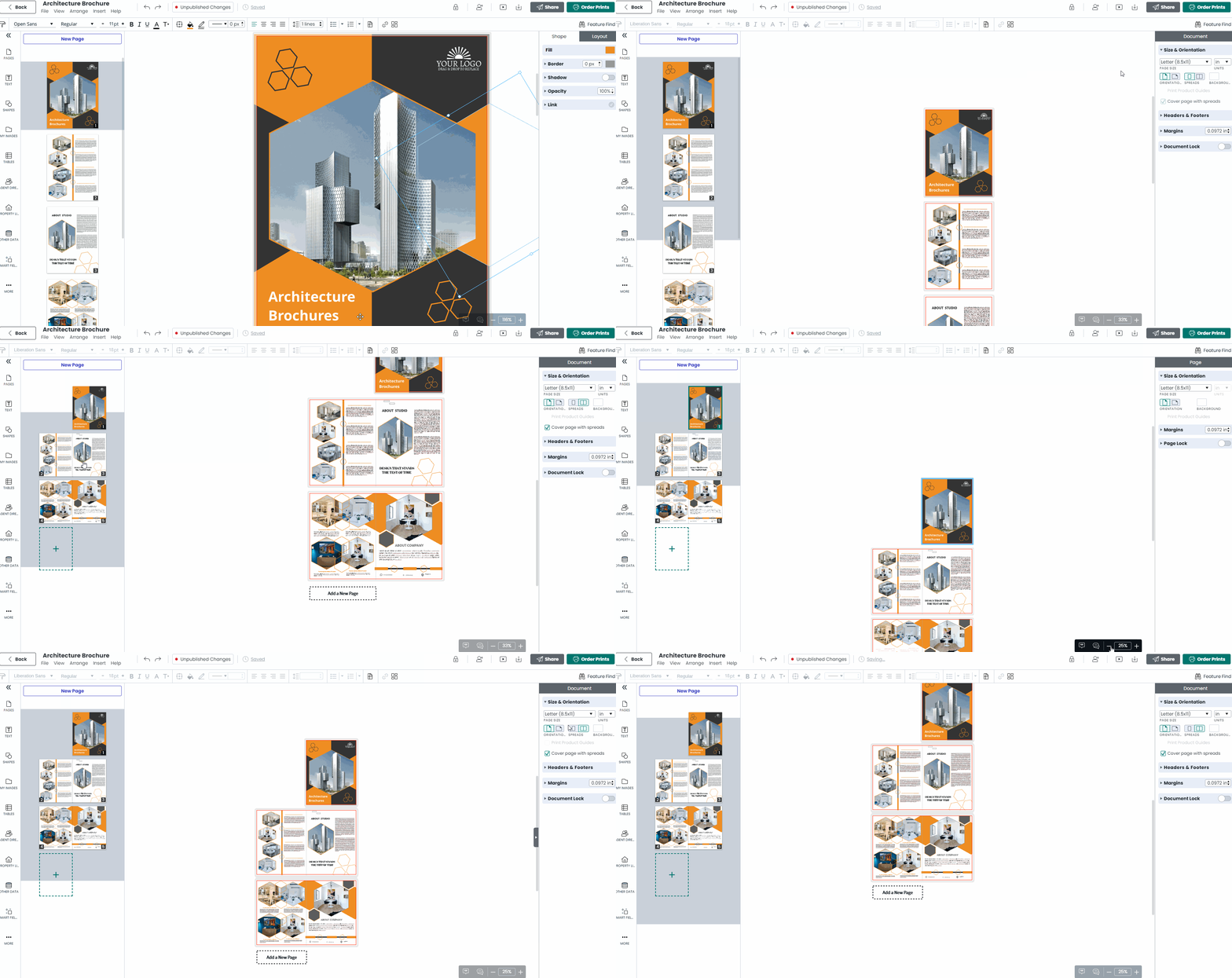
If you are in the project tab of the context pane, you will see a “Spreads” icon underneath the background section. If you are creating a magazine or book, enable this feature to adjust the layout of pages in the canvas to match that of your printed project.