![marq.svg]](https://help.marq.com/hubfs/Brand%20Logos/marq.svg)
Adding a QR code to a project/template
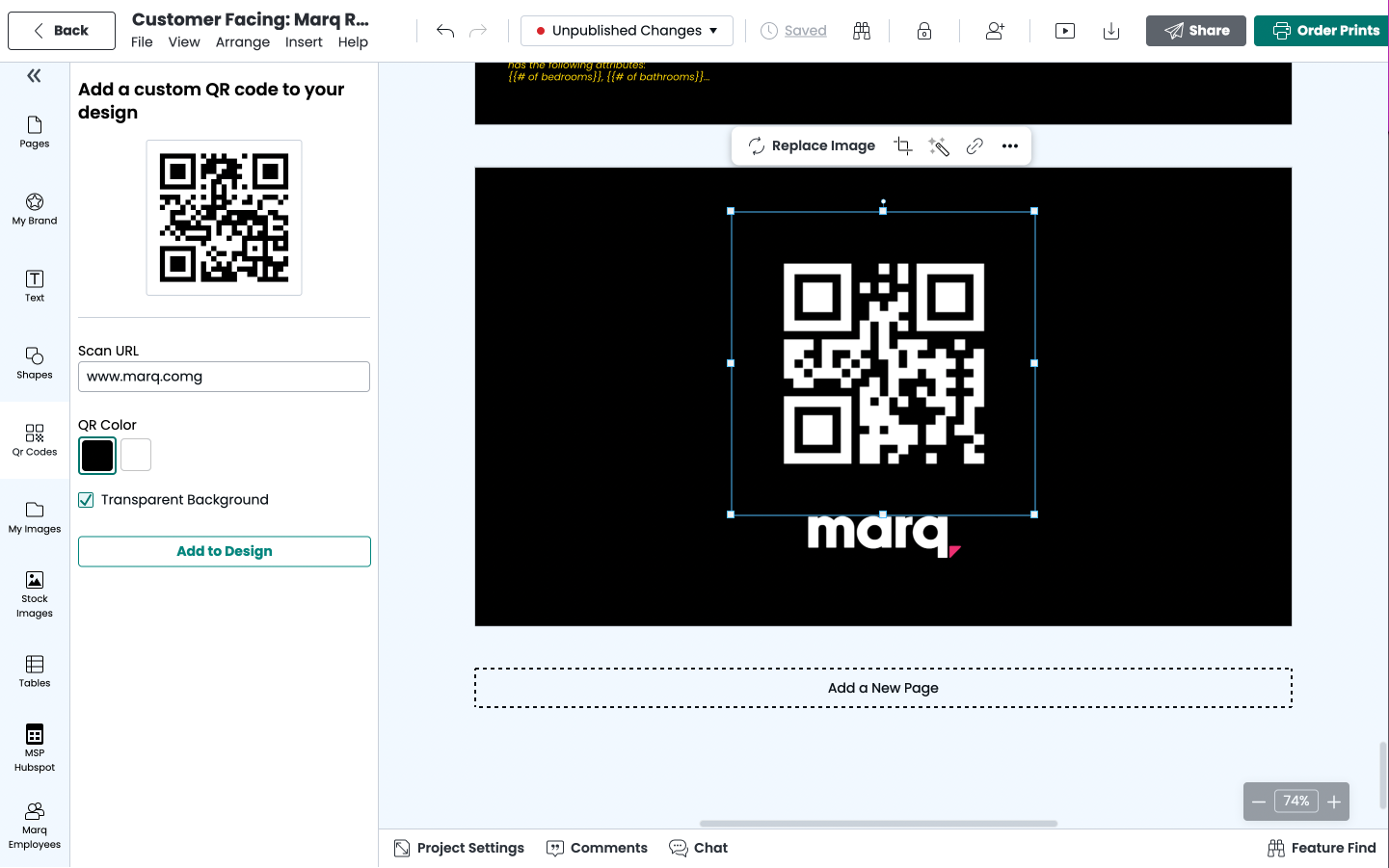
To access QR codes, select the QR code option in the left panel within Editor. You are able to add a destination URL and choose either black or white as the QR code color. If you choose white as your QR code color, Marq will generate the QR code with a transparent background.
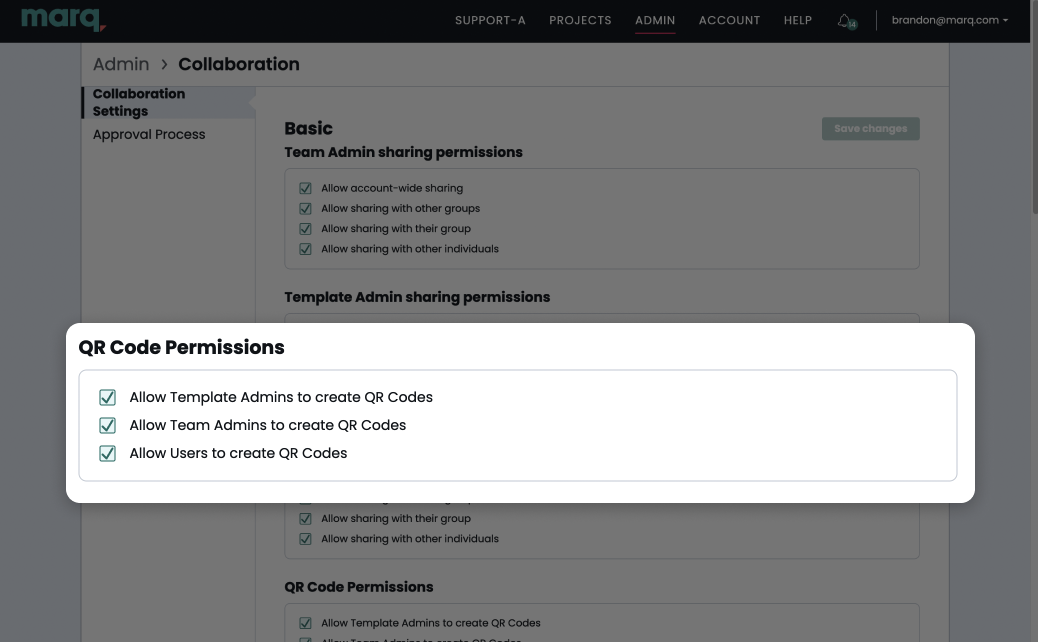
Setting Permission to use QR codes.
Within Marq's settings, in the Collaboration section, a user with the Admin role can configure which users should have access to QR codes: