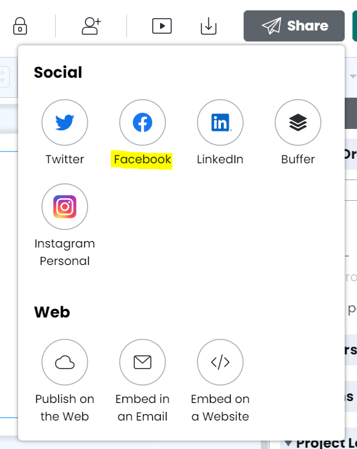
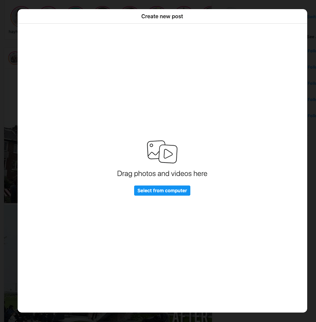
Post to Instagram Click share > post to social Select 'Instagram' Download the image to your computer by clicking the Download button Upload it to your Instagram account and post it. If you need to, you can send the photo to your phone via Airdrop, email, or message. Post from desktop Post from your phone
![marq.svg]](https://help.marq.com/hubfs/Brand%20Logos/marq.svg)