![marq.svg]](https://help.marq.com/hubfs/Brand%20Logos/marq.svg)
- Request access
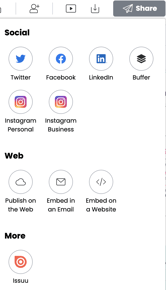
- Click share > select the Issuu icon
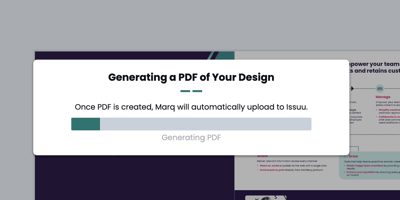
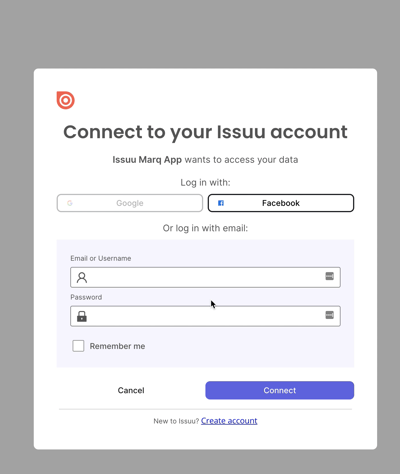
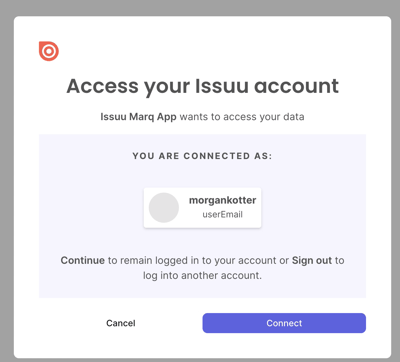
- Proceed to connect to the account (you will need to select "create account" if you do not already have an account with them)
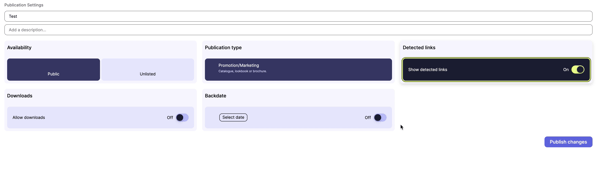
Note: in order to publish publicly, you will need an Issuu subscription.

FAQ
How can I see all of the projects that I've imported to Issuu?
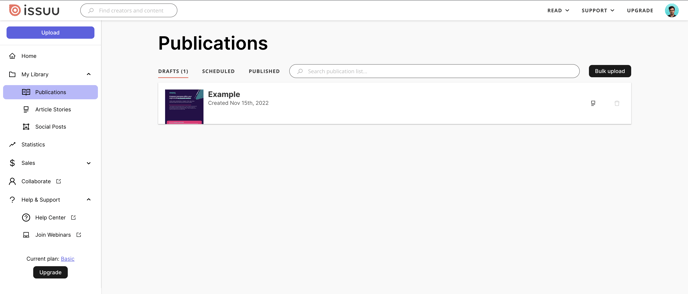
Go to issuu.com/home/ and then select publications. You should see it in the drafts, scheduled, or published sections
For other feature-related questions on Issuu, please visit their support center.