![marq.svg]](https://help.marq.com/hubfs/Brand%20Logos/marq.svg)
Access the image manger
- Click the Image Manager button on the left panel.
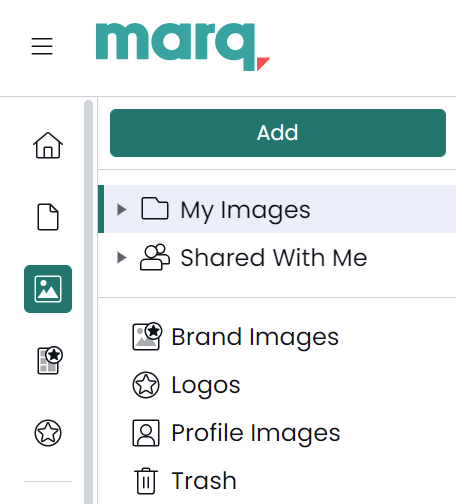
- Content Pane
Inside a project, click the my "images" icon in the Content Bar on the left of the canvas. Then, click the settings gear.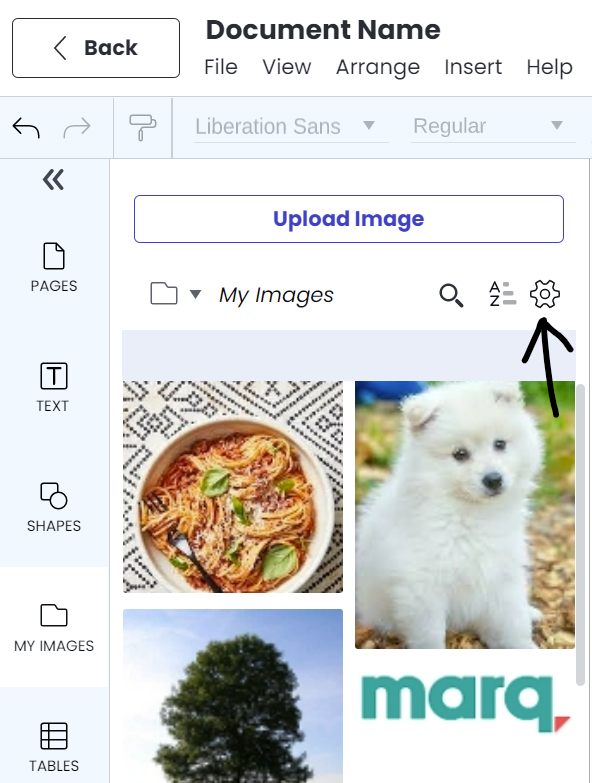
Learn more about the image manager here.