![marq.svg]](https://help.marq.com/hubfs/Brand%20Logos/marq.svg)
Print product guides
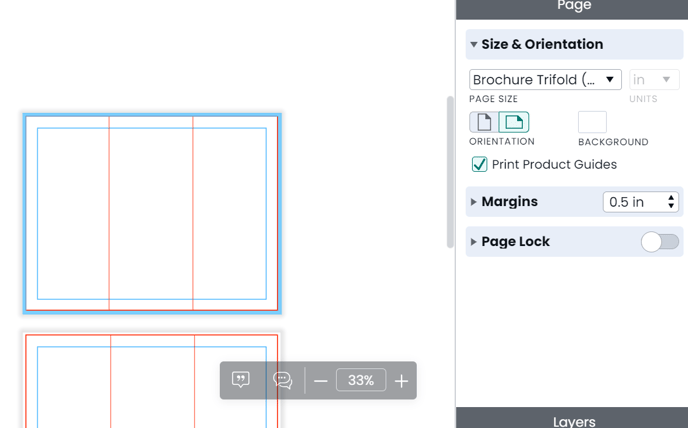
If you have a project that you are intending on ordering from Marq, it is important that you double-check you are meeting the product standards for fold lines and where postage content may be placed. To enable print-product guides, please follow these steps:
(Below shows an example for brochures. You can enable this for postcards/mailers, and door hangers as well)
- Select a print size under "print and ship"
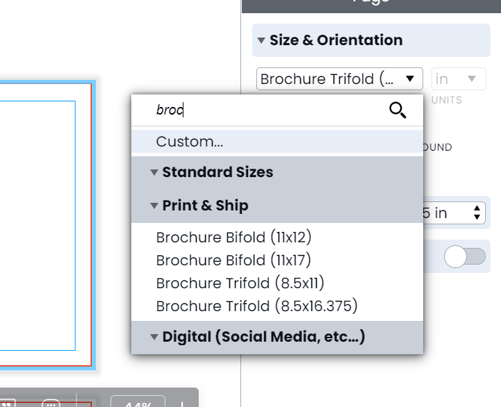
- Match the page specifications. Pro tip: Visit the print product catalog to see requirements
- Click the checkmark for "print product guides"