![marq.svg]](https://help.marq.com/hubfs/Brand%20Logos/marq.svg)
Inside this article
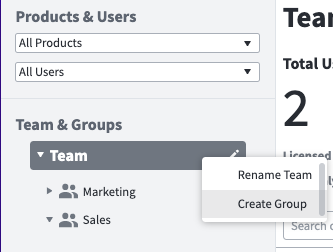
Create a group
To create groups, click on your team name and select "create group".
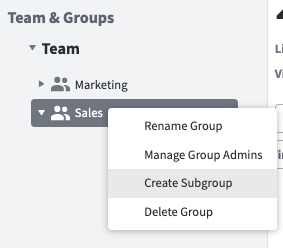
Create a subgroup
To create subgroups, click on your team name and select "create group".
Assign users to a group
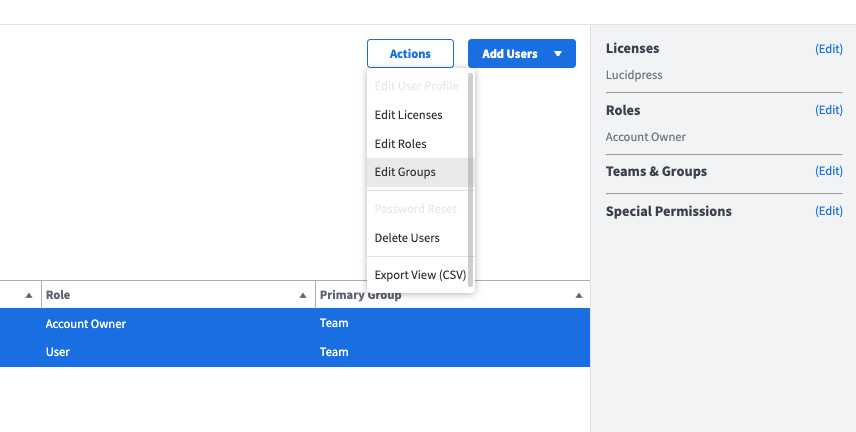
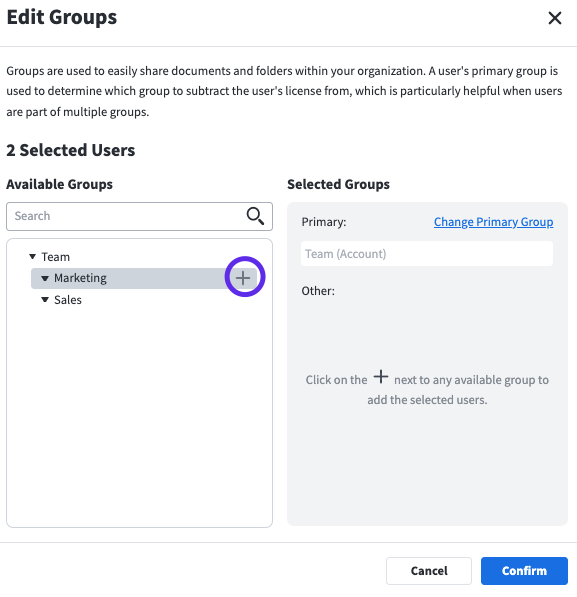
Changing a primary group
Enterprise level accounts can set primary groups for users by specifying a group name in the Primary Group column of the CSV file. Each user can only have one primary group. You can also leave a cell blank in the Primary Group column to set the user's primary group to be the default group (the account). If you are unfamiliar with primary groups, visit our Group-based User Management Tutorial to learn more.
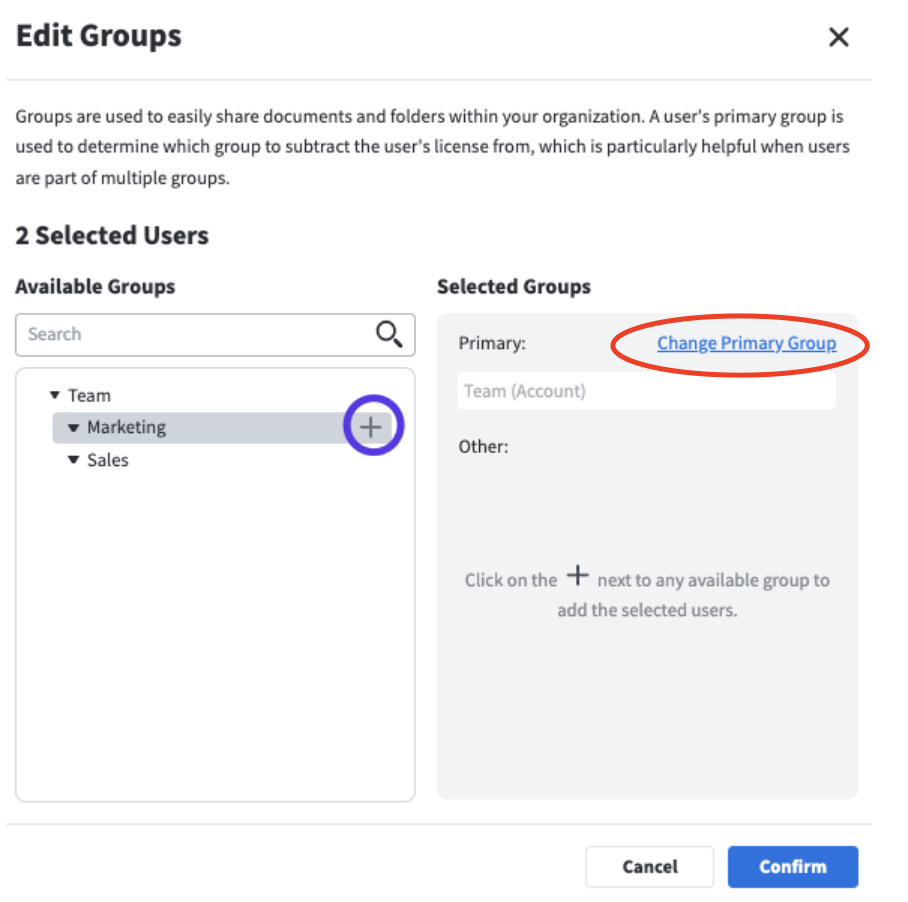
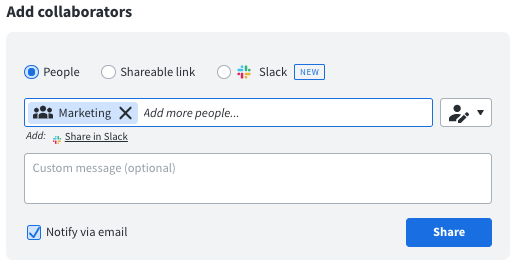
Share with a team, group, or subgroup
Any project, template, or folder can be shared with a team, group, or subgroup. This makes it easy for content management so once a user is part of a group, they can have access to all content that is shared with that particular group.