![marq.svg]](https://help.marq.com/hubfs/Brand%20Logos/marq.svg)
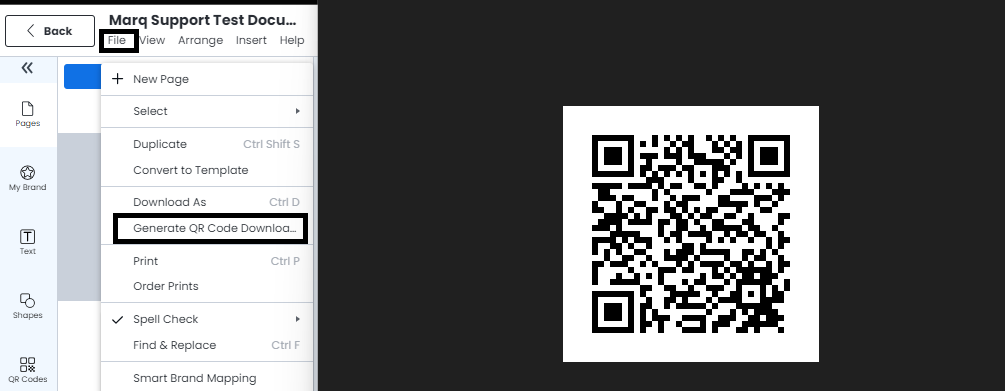
First, publish your document. After you publish, go to the file menu > download published document QR code, and a QR code linking to your published file will be auto-generated and placed in your download folder.
First, publish your document. After you publish, go to the file menu > download published document QR code, and a QR code linking to your published file will be auto-generated and placed in your download folder.