![marq.svg]](https://help.marq.com/hubfs/Brand%20Logos/marq.svg)
Select a size for your page or document from the drop-down or select "Custom" and manually adjust the width and height of your page(s) in the boxes underneath.
Note: The max Canvas Size is 277.7778 in x 277.7778 in or 20,000 x 20,000 pixels. 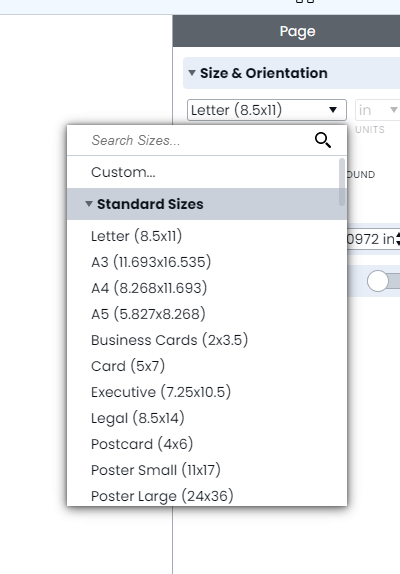
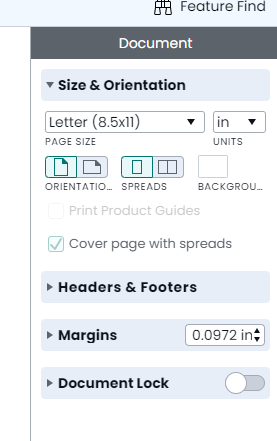
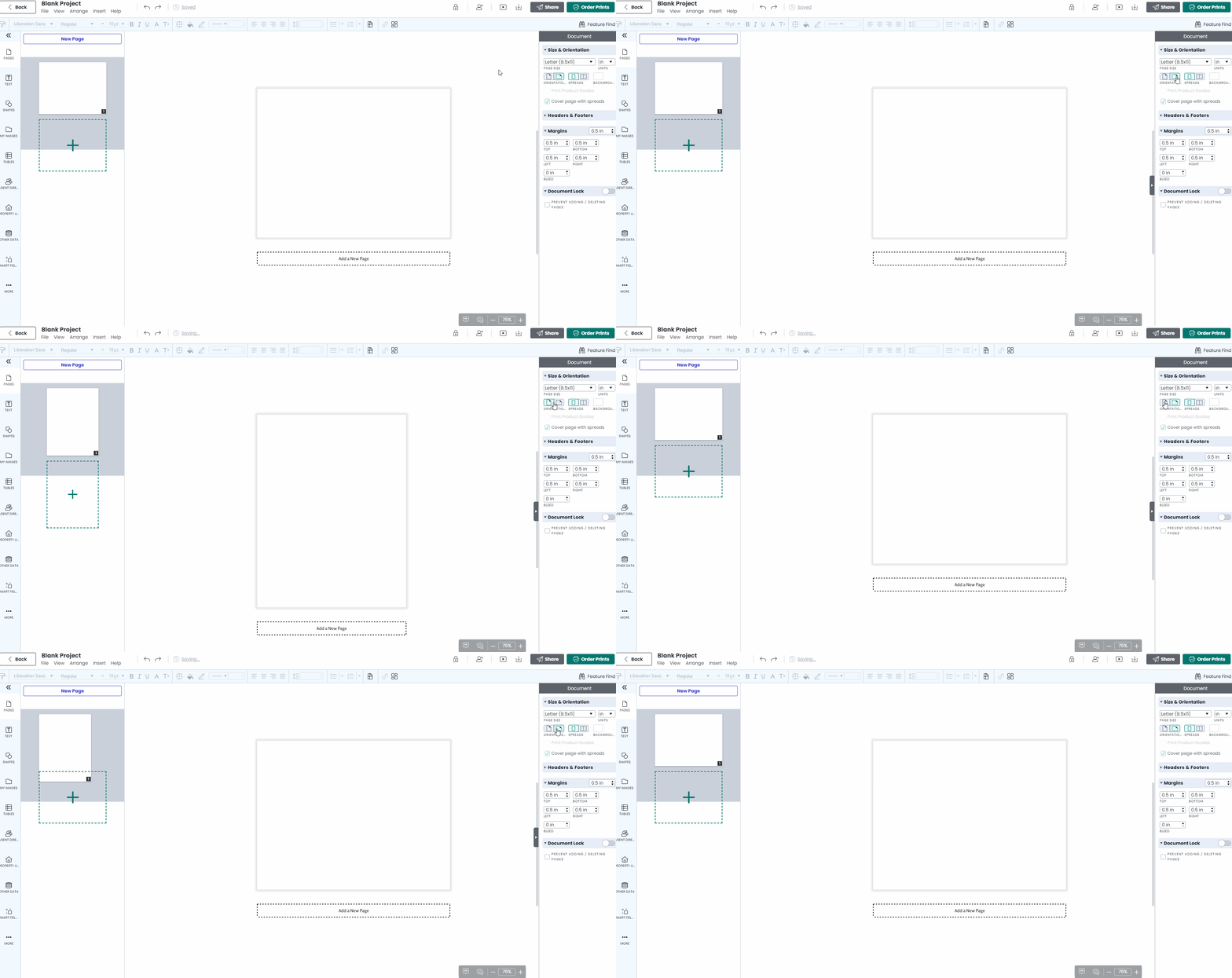
To flip the dimensions of your page(s) 180˚, switch the orientation setting from portrait to landscape or vice versa.
Want a quicker way to resize? Check out Dynamic Resize