![marq.svg]](https://help.marq.com/hubfs/Brand%20Logos/marq.svg)
Step 1: Create a Gravatar account
To create your own profile icon / avatar, create a gravatar account with the same email address you are using to log in to Marq.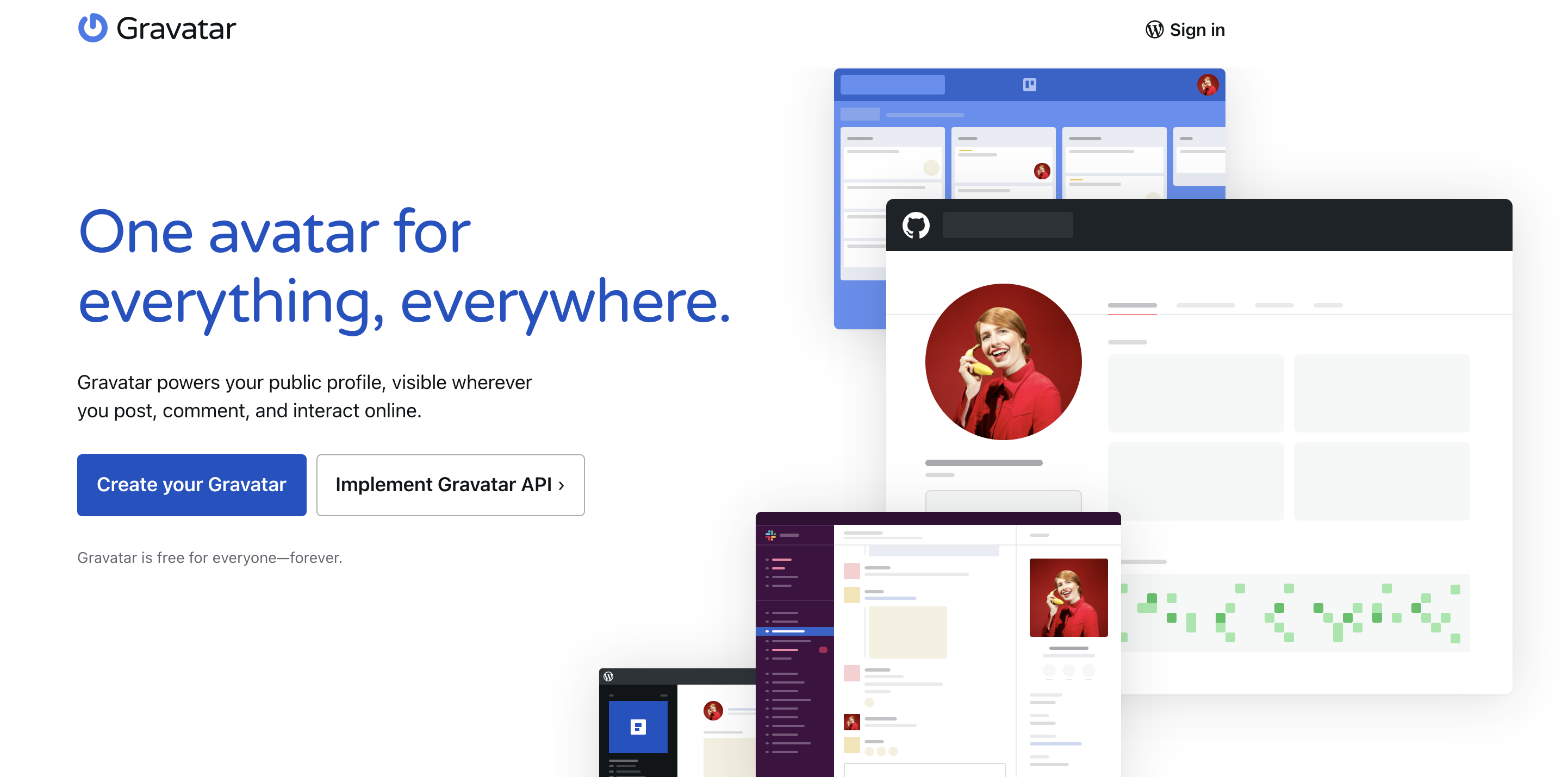
Step 2: Create your Gravatar
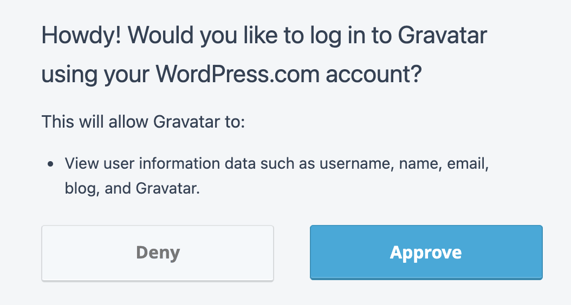
On the Gravatar website, click the create your own Gravatar button.Step 3: Login or sign up for Wordpress. Then approve the Gravatar connection.
Step 4: Upload
Manage your Gravatars and upload your own profile avatar with each alias.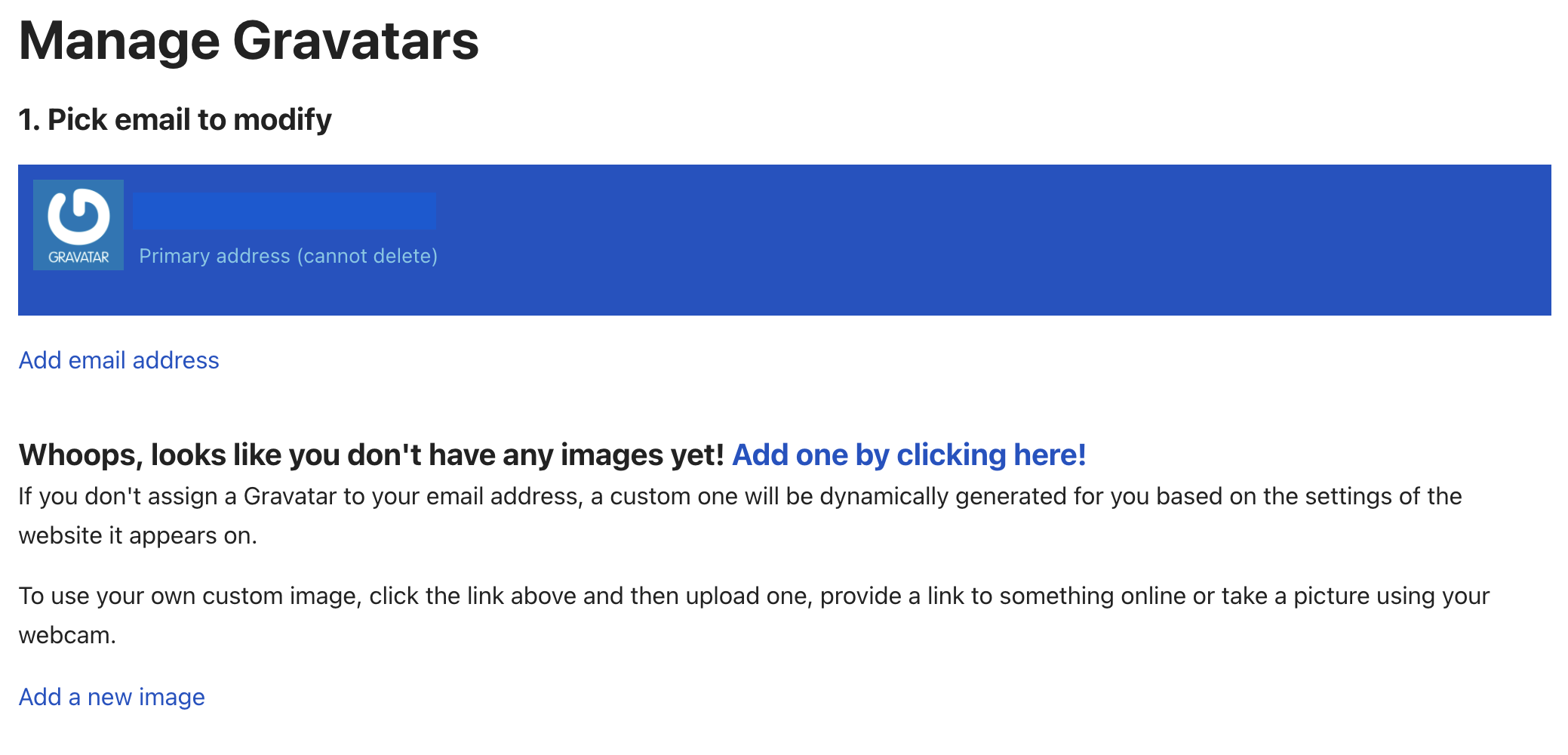
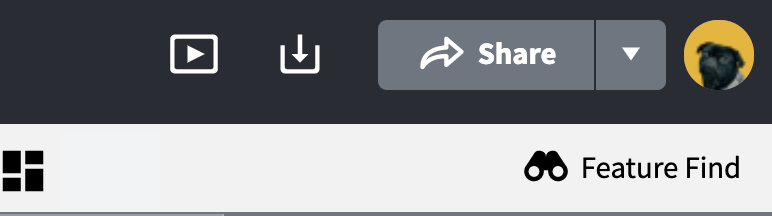
After a few minutes, your avatar will appear!