![marq.svg]](https://help.marq.com/hubfs/Brand%20Logos/marq.svg)
- Open a project
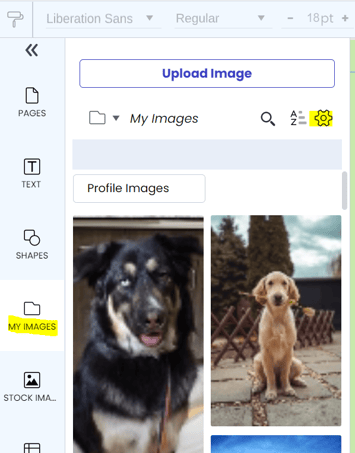
- Open your image manager
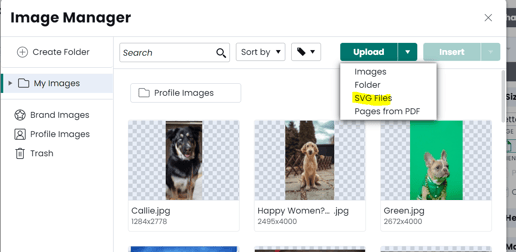
- Click the Upload dropdown and select "SVG"
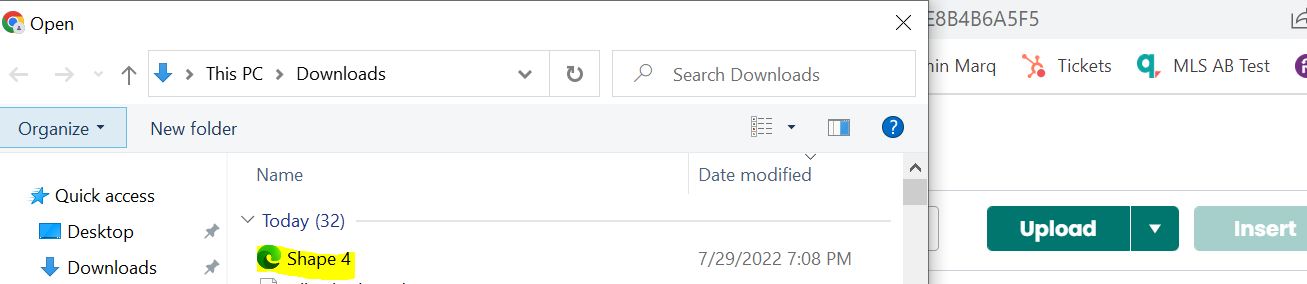
- Select your SVG file
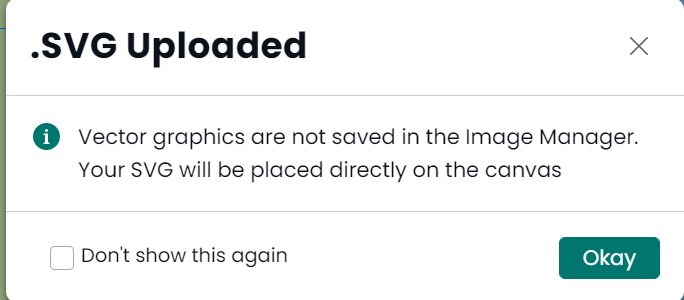
- Confirm the placement in your project
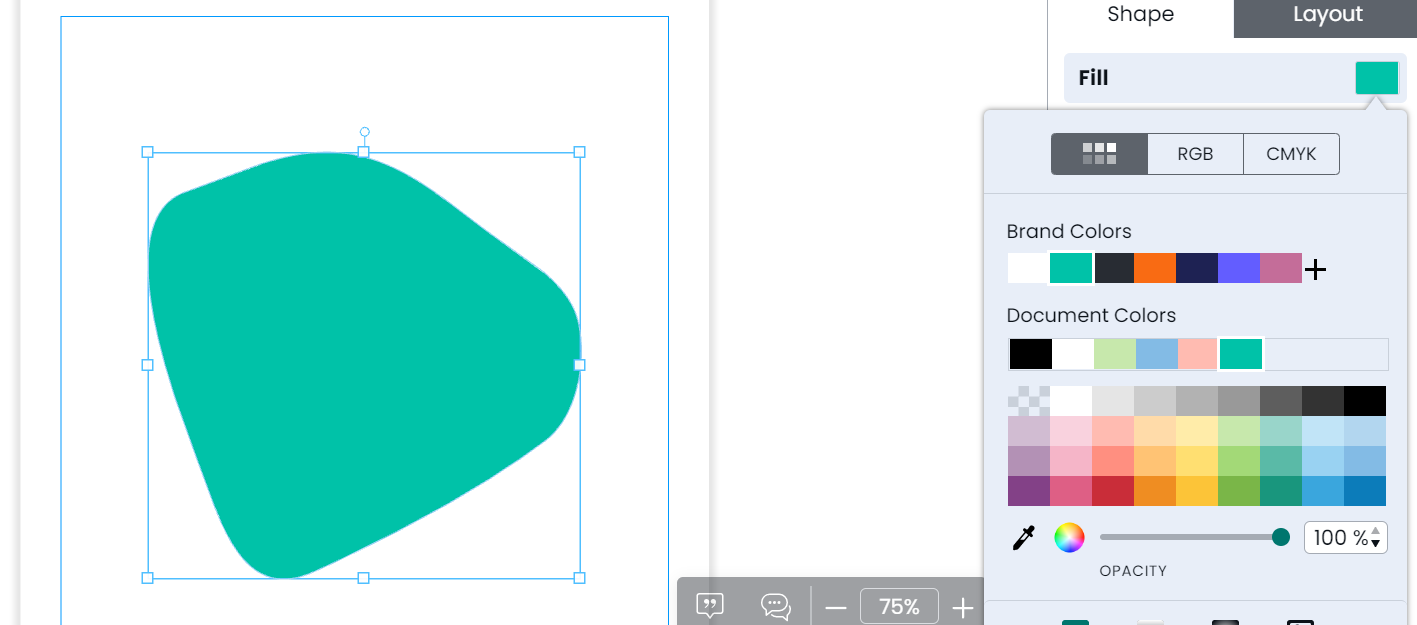
- Modify SVG background/borders as you see fit!
SVGs should be used sparingly as their many and complex shapes can slow down the performance of your project.